Here is how you can do it:
1
Select the parts of the document that you would like to be locked in place.
2
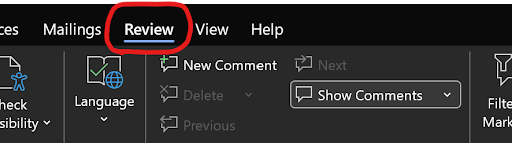
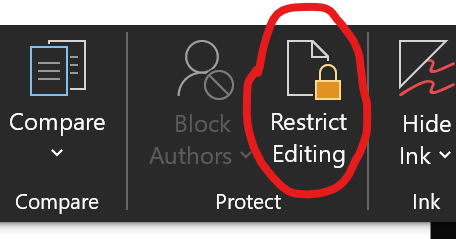
Go to Review → Protect → Restrict Editing (or Developer → Restrict Editing)

3
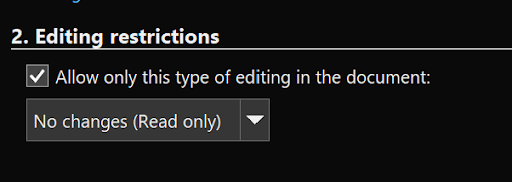
Under Editing restrictions, check Allow only this type of editing and choose No changes (Read only).
4
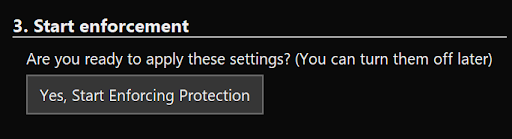
Click Yes, Start Enforcing Protection and set a password.
5
Save the document.
Now with these settings applied to your Word document template, you will no longer have issues with the document creation process in InvoiceFlow.